Create
Add an internal name and optionally upload an organization avatar.
Setup guideAn organization is your AdaptGroup workspace. Create one for your project, connect products, manage a shared balance, and invite participants.
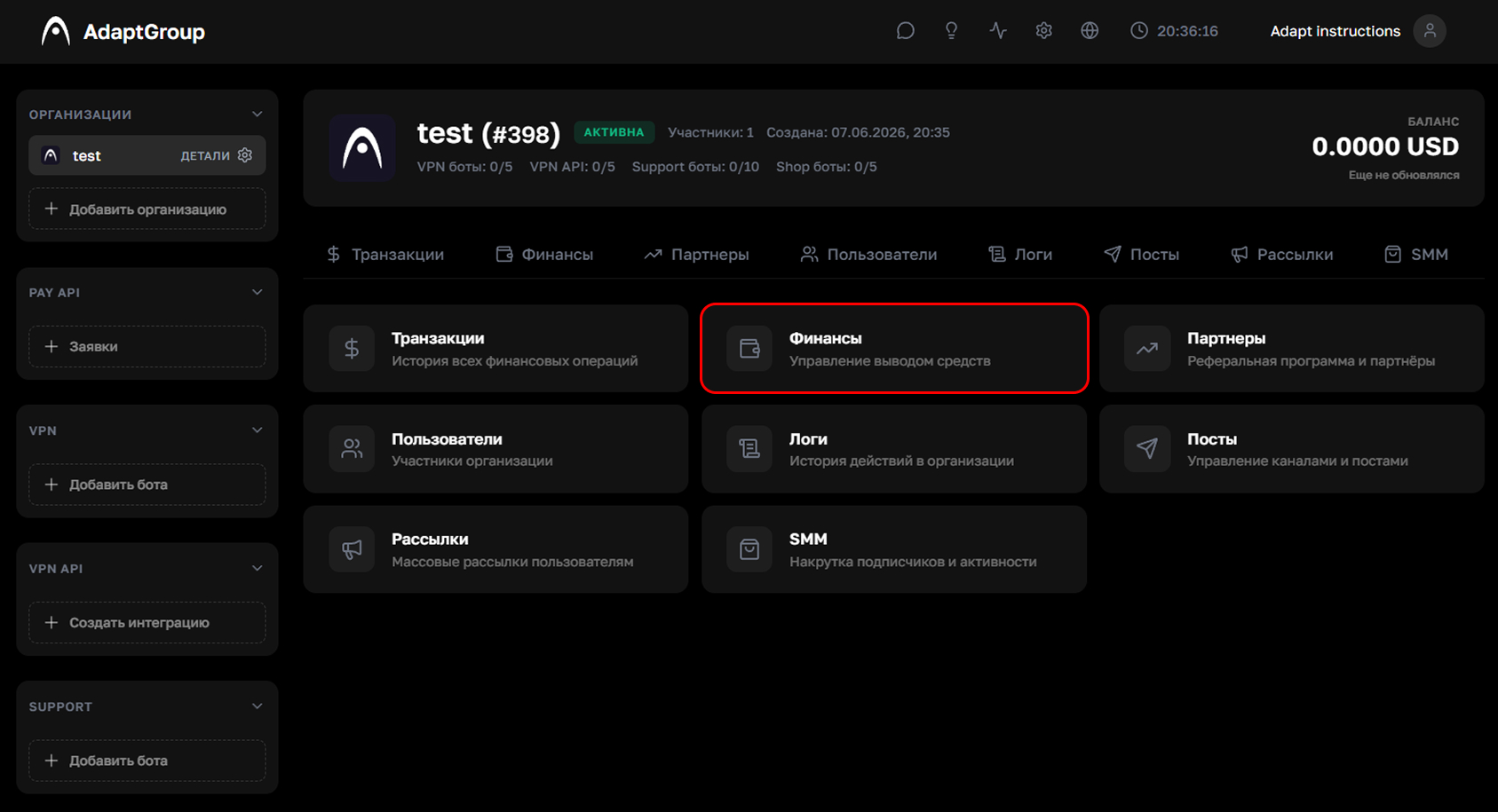
Create an organization, fund its shared balance, and submit withdrawal requests with a transparent operation history.
Add an internal name and optionally upload an organization avatar.
Setup guideCreate a payment in Finances and track its status together with the complete top-up history.
Top-up guideChoose an available method, review its minimum and fee, then submit a request and follow its status.
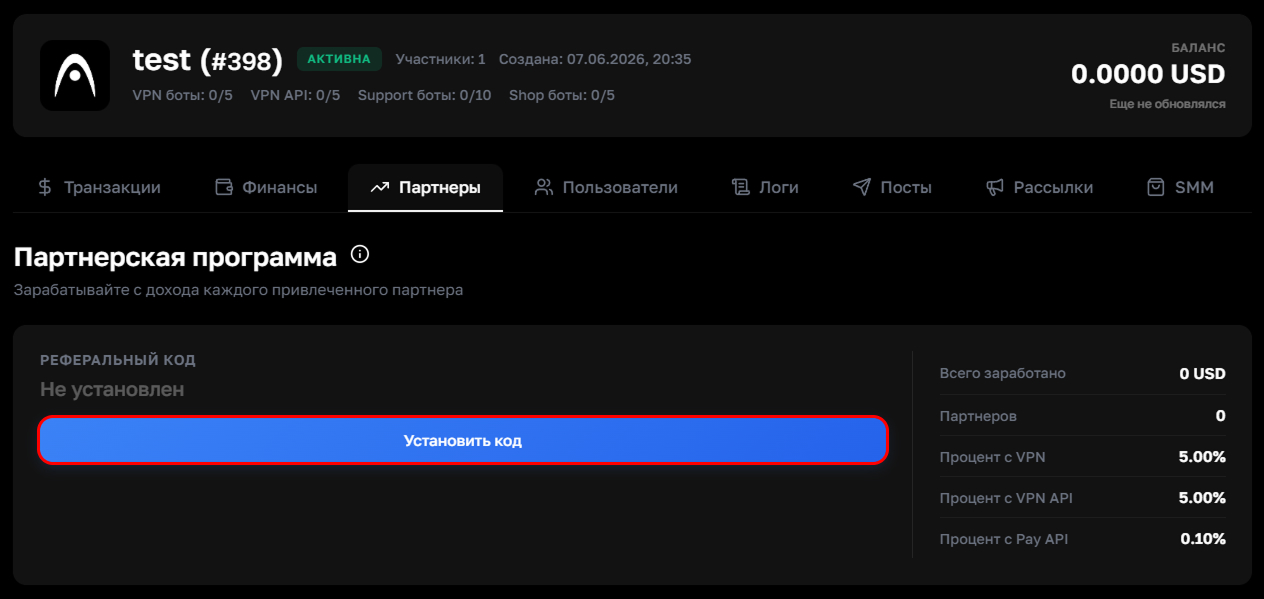
Withdrawal guideA partner registers through your referral link or code, and rewards are credited from their payments. Current percentage rates are shown in the Partners section of your dashboard.
Set a unique code, copy the generated link, and share it with a partner.
Rewards are credited when the referred partner makes transactions and remain visible in the history.
Rates for VPN, VPN API, and Pay API are not fixed publicly and are displayed inside the organization.